More Questions We've Answered Related to This Product
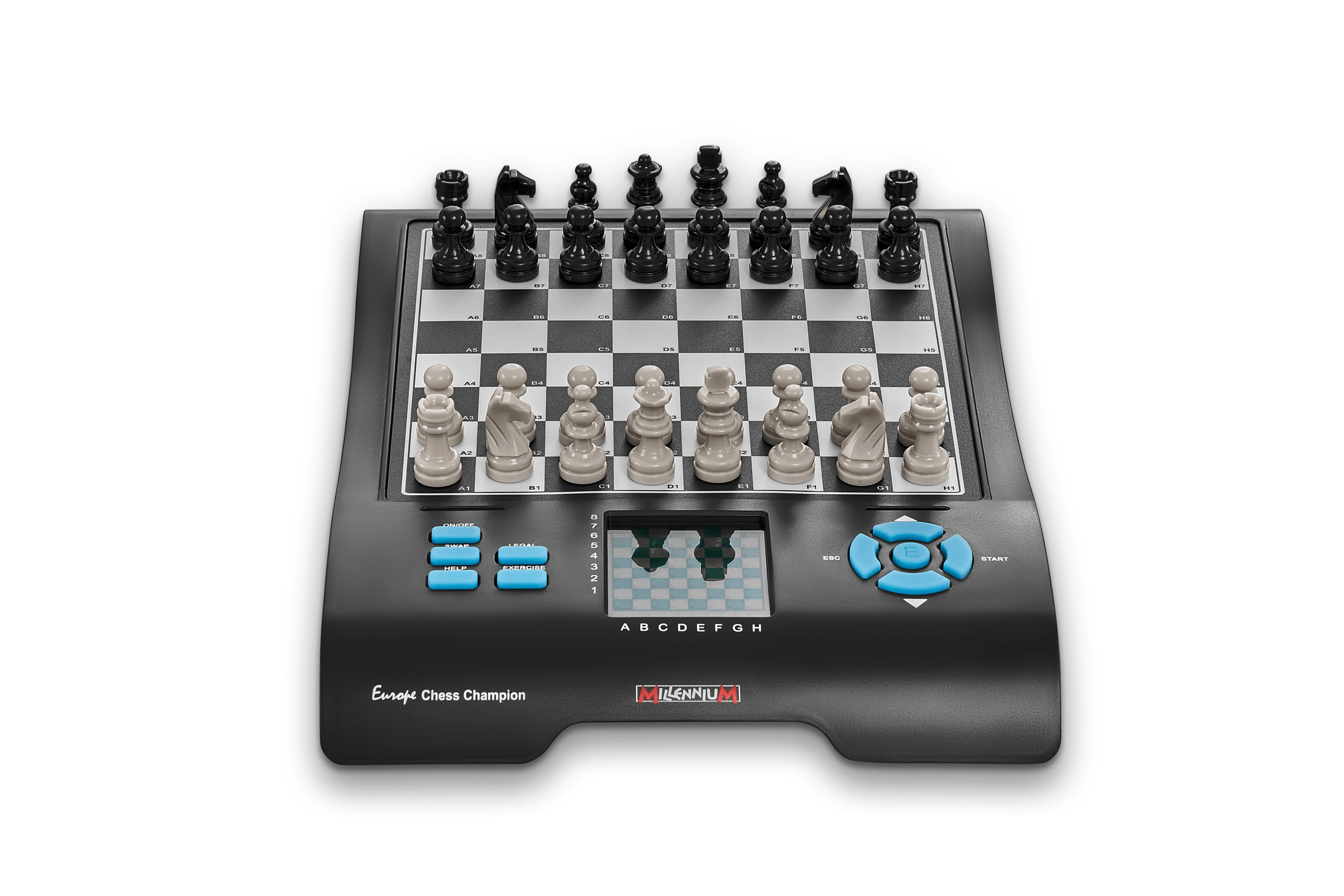
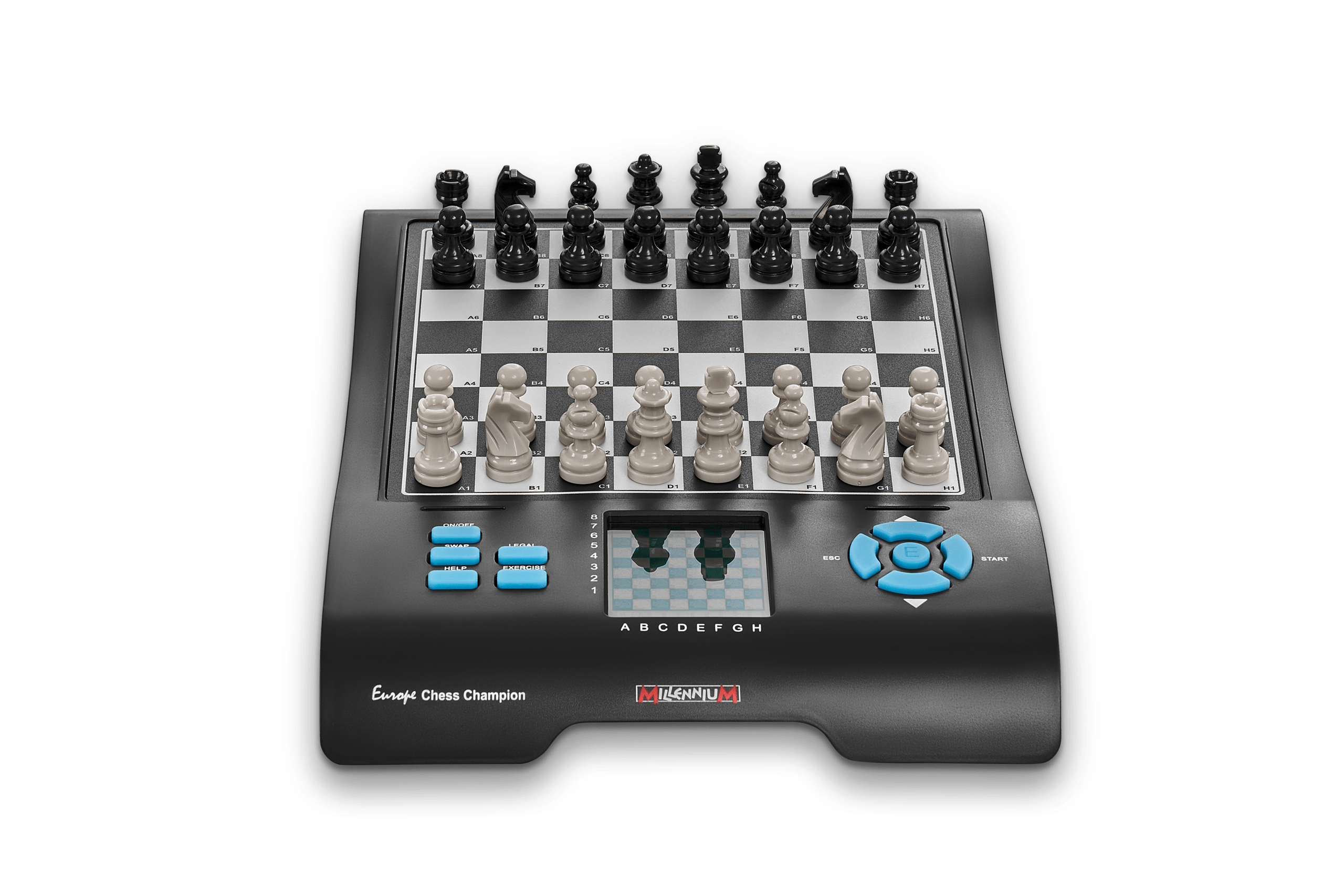
We’ve provided several answers to questions related to Millennium Chess Champion (Master II) - Electronic Chess Computer , see some other helpful Q&A related to this product.
-
Question: Play with Tutor
Answer: 1) Go to the Menu and Select TUTOR
2) Press "E" to switch between on and off (1 and 0).
Refer to section 4.2.16 of your manual.
-
Question: Is this electronic board rechargable... can you plug it in? To usb or wall?
Answer: Deb, this computer takes either batteries or you can purchase and use the Millennium adapter. This travel chess is designed for quality and enjoyable play.
-
Question: When making my move and it is questionable to the computer< it will ask if i am sure< I do not know how to respond?
Answer: Hi J,
Here is an excerpt from the manual (section 4.2.16):
When the "tutor" is "on", the computer will display "SURE?" if it thinks your last move is a mistake. You may then do any of the following:
1) Press "SWAP" for explanation... then you can press "SWAP" again to see the move
2) Press the Down Arrow and take back your move (see 12.3)
3) Press "ESC" to let your move stand.
Please contact us back if that doesn't resolve the problem.
Thanks,
Paul This chess board is designed for quality and enjoyable play.