Answer
Dec 19, 2019 - 05:53 PM
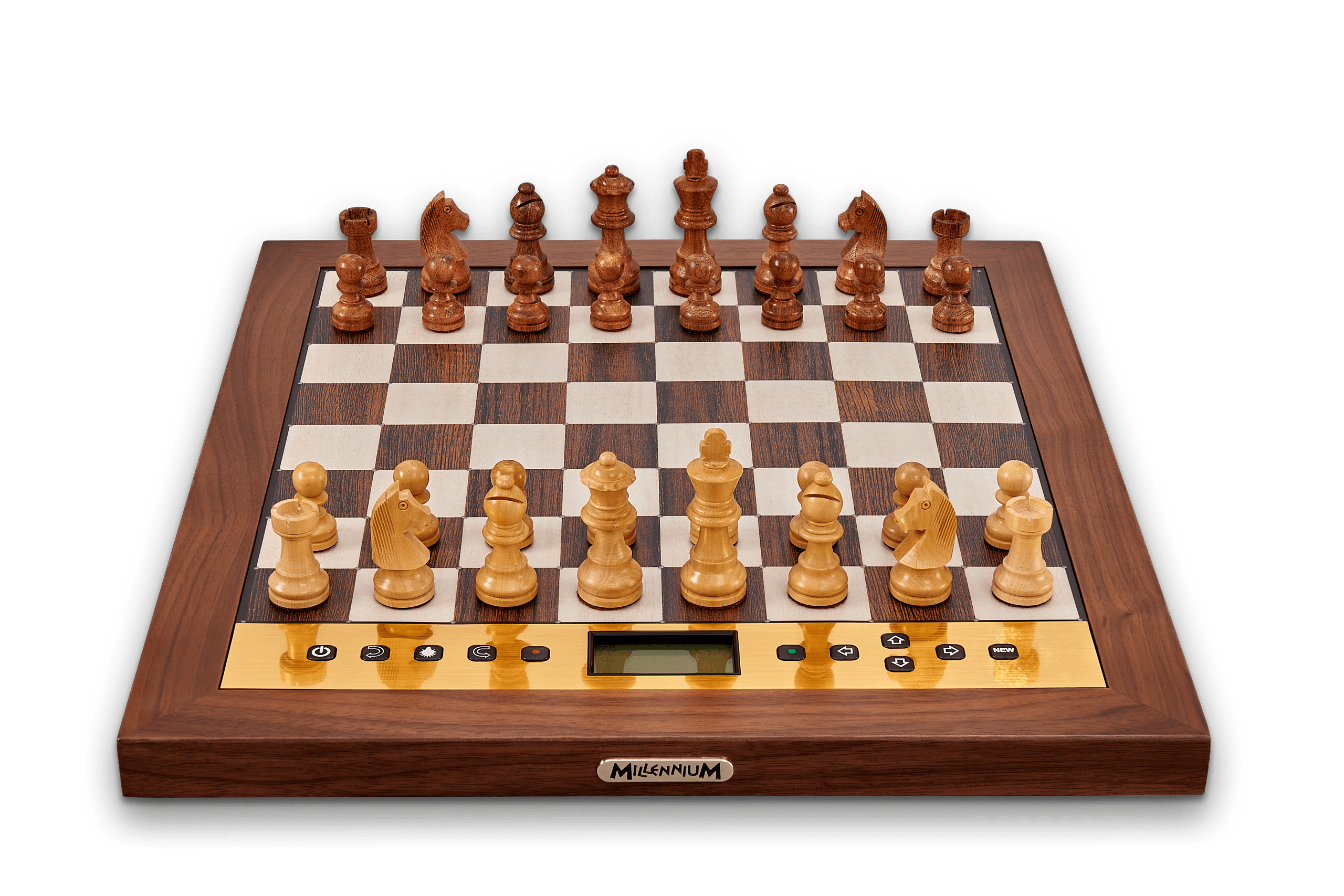
The first step to setup a position is MENU (GREEN BUTTON) --> SETUP.
The computer assumes you have the pieces in their last known positions. The third line of the display will show what piece to place and the board will show what pieces are currently placed by lighting those squares with one LED. You can change the piece type by using the Left/Right Arrows. When you place a piece on the board (pressing on the square), the screen will briefly show a half display of the board and the current configuration of pieces.
You must have a valid setup on the board to start the game. Problems with your setup, should be noted in the lower right corner of the screen. When the position is valid, you will see an "OK" in that spot. Pressing the GREEN button will then start the game. This magnetic board is designed for quality and enjoyable play.
The computer assumes you have the pieces in their last known positions. The third line of the display will show what piece to place and the board will show what pieces are currently placed by lighting those squares with one LED. You can change the piece type by using the Left/Right Arrows. When you place a piece on the board (pressing on the square), the screen will briefly show a half display of the board and the current configuration of pieces.
You must have a valid setup on the board to start the game. Problems with your setup, should be noted in the lower right corner of the screen. When the position is valid, you will see an "OK" in that spot. Pressing the GREEN button will then start the game. This magnetic board is designed for quality and enjoyable play.